Who can benefit from this guide?
Payroll staff who manage Australian payroll information. You’ll need to be a principal authority or authorisation administrator in Relationship Authorisation Manager (RAM) to access the ATO's Access Manager and notify them of your Software ID.
How to set up STP with Jemini
Single Touch Payroll (STP) is an Australian Tax Office (ATO) initiative that integrates payroll reporting into your payroll software. When processing payroll, you can use Jemini to generate a report containing essential payroll information, such as employee salaries, wages, PAYG withholding, and superannuation contributions. When you’re ready to submit the report, Jemini will send it to the ATO on your behalf. This simplified process helps keep payroll information accurate, compliant and up-to-date.
To set up STP with Jemini, access your Software Service ID (Software ID or SSID) and then provide it to the ATO. The ATO uses this Software ID to connect your STP reports to the correct account.
Where to find your Software ID
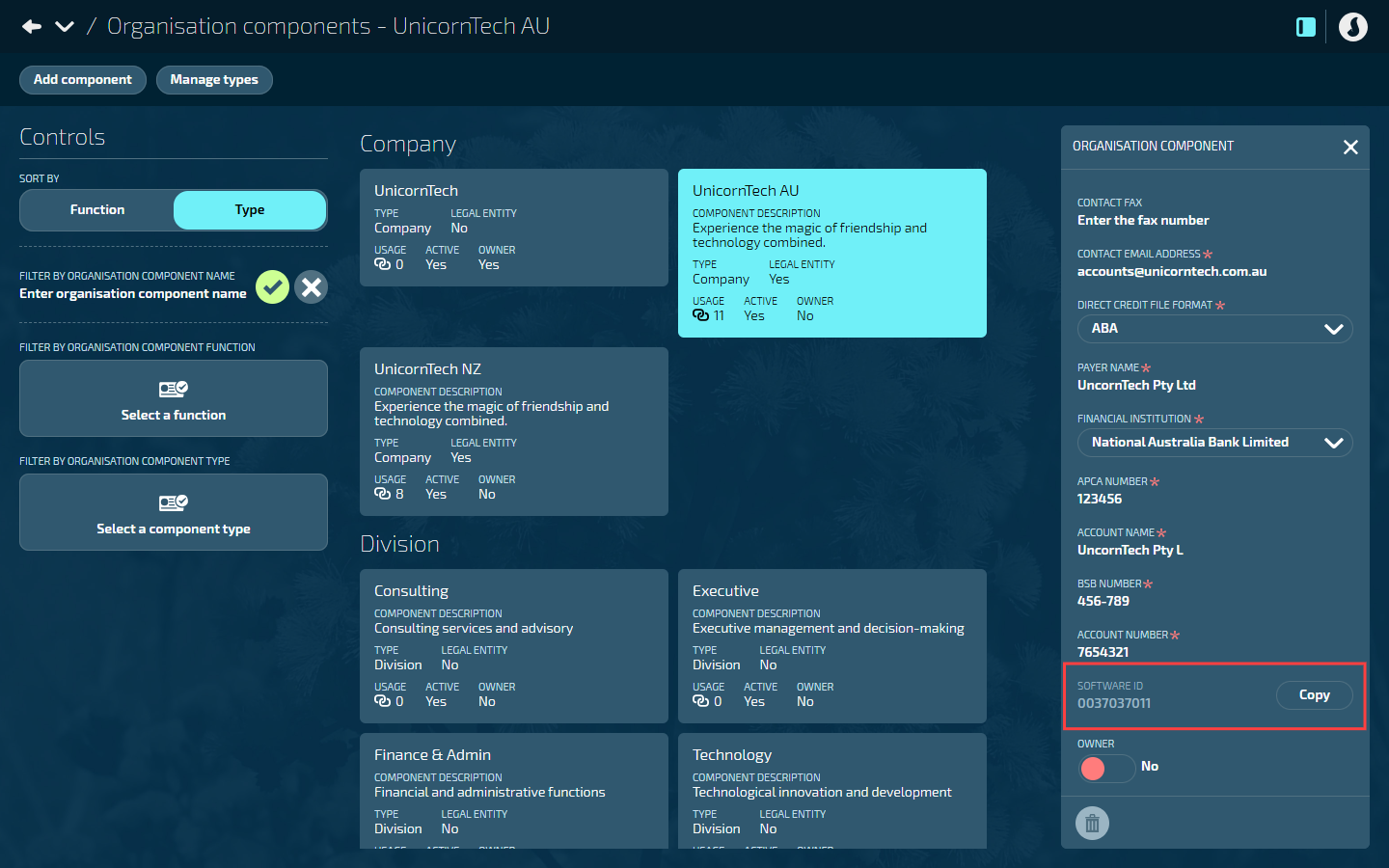
You can find the Software ID in an existing Legal Entity Organisation Component.
Go to BUSINESS > ORGANISATION COMPONENTS > ORGANISATION COMPONENTS.
Select the relevant organisation component. This will open the ORGANISATION COMPONENT panel.
TIP
The organisation component must be a legal entity.
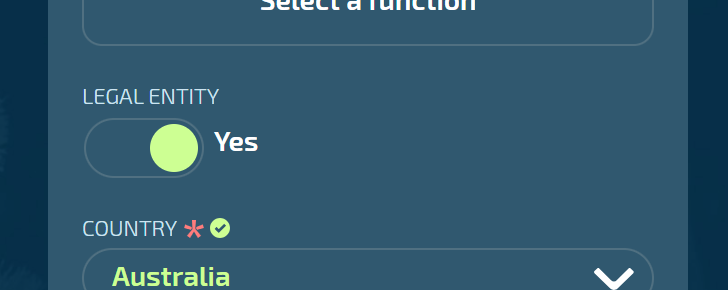
If you don’t already have a relevant organisation component set up, follow these instructions: How to add Legal Entity Organisation Components (Australia only).
Scroll down the panel to find the SOFTWARE ID.
It’s located between ACCOUNT NUMBER and OWNER.
How to notify the ATO of your hosted service
Once you have the Software ID, you’ll need to notify the ATO that Jemini is your hosted Standard Business Reporting (SBR)-enabled software service.
Before you start: In Jemini, use the Copy button next to the Software Id field to copy it to your clipboard so it's ready to paste.
TIP
Use the Software ID from your production environment when setting up STP with the ATO. Don't use an ID from your test environment!
Notify the ATO by:
Phoning the ATO on 1300 85 22 32
Using the ATO’s Access Manager (paste the Software ID into the relevant field)
Generate and submit STP reports to the ATO in Payroll Management
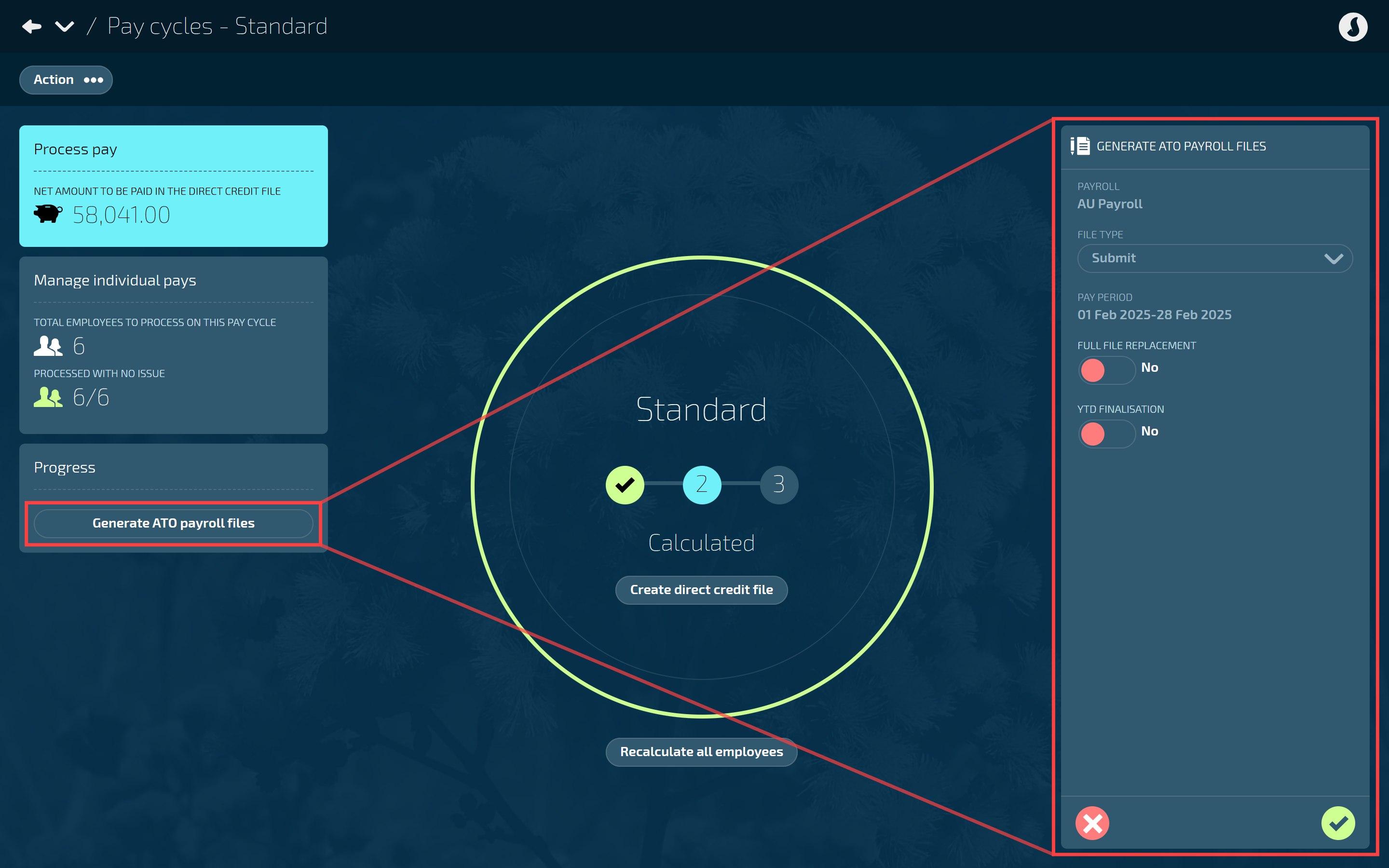
After setting up STP, you can generate and submit STP reports to the ATO through the Pay Cycles view in Payroll Management each time you process payroll.
How to generate and submit ATO payroll files